 ShiftMy
Change your iPhone location without a computer
Choose a place on the map and set a temporary location directly from Safari. No Mac, PC, jailbreak, or Apple Developer account required.
Try ShiftMyTwo location changes are free.
How it works
Open the setup guide
Open ShiftMy in Safari and tap Guide. Download the ShiftMy profile when iOS asks.
Install ShiftMy on your iPhone
Open Settings > General > VPN & Device Management, tap ShiftMy Location, then tap Install.

Choose a place
Return to ShiftMy. Search for a city, address, or landmark, or move the map and drop a pin.
Set your location
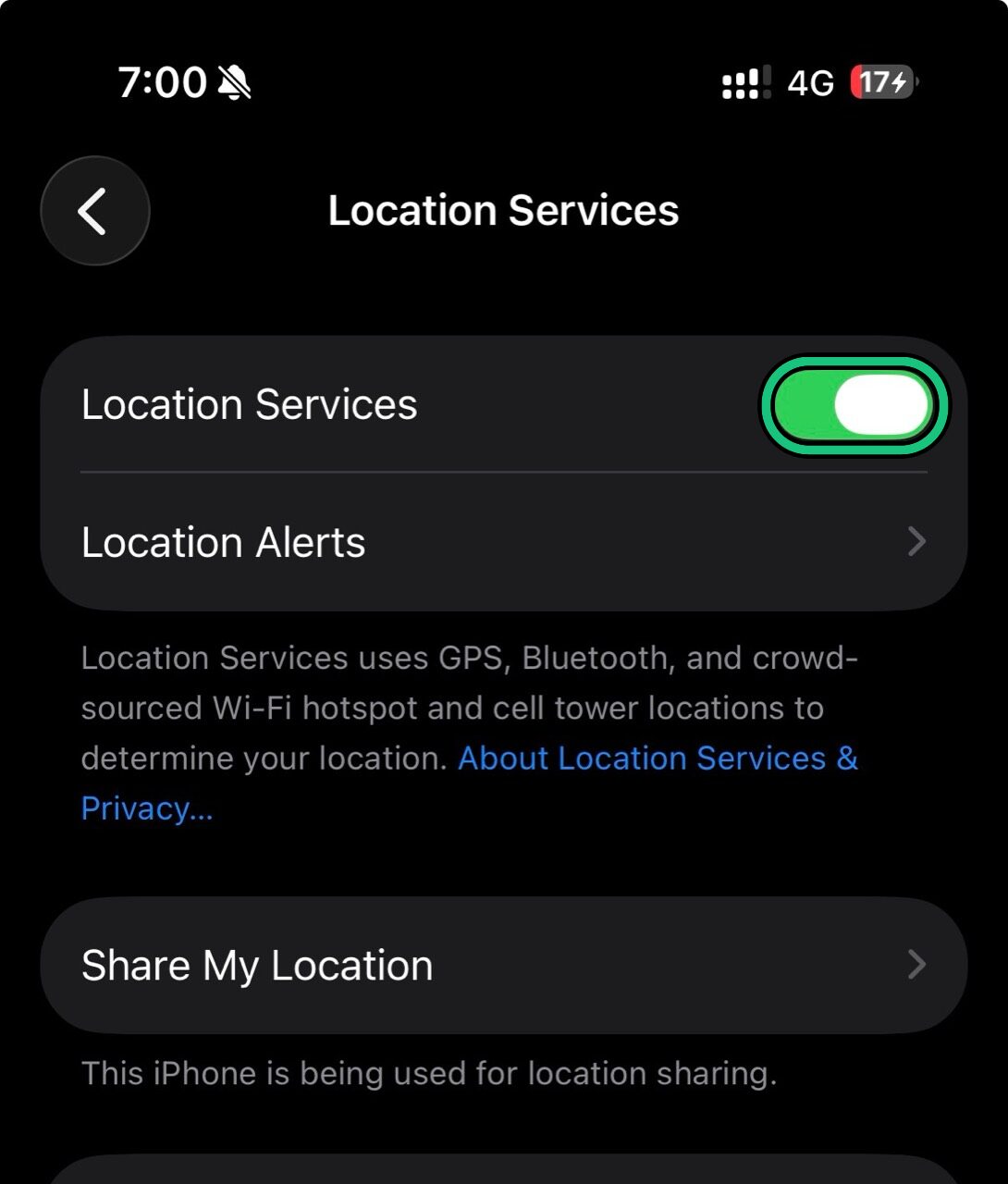
Tap Set Location. Then go to Settings > Privacy & Security > Location Services and turn Location Services off and on so iOS refreshes.
Questions
No. ShiftMy is used from Safari after a one-time iPhone setup.
No jailbreak is required.
Tap Reset in ShiftMy, then toggle Location Services off and on.
Use ShiftMy responsibly for personal testing, privacy, travel previews, and other lawful purposes. Your use must follow applicable laws and the rules of other services.